
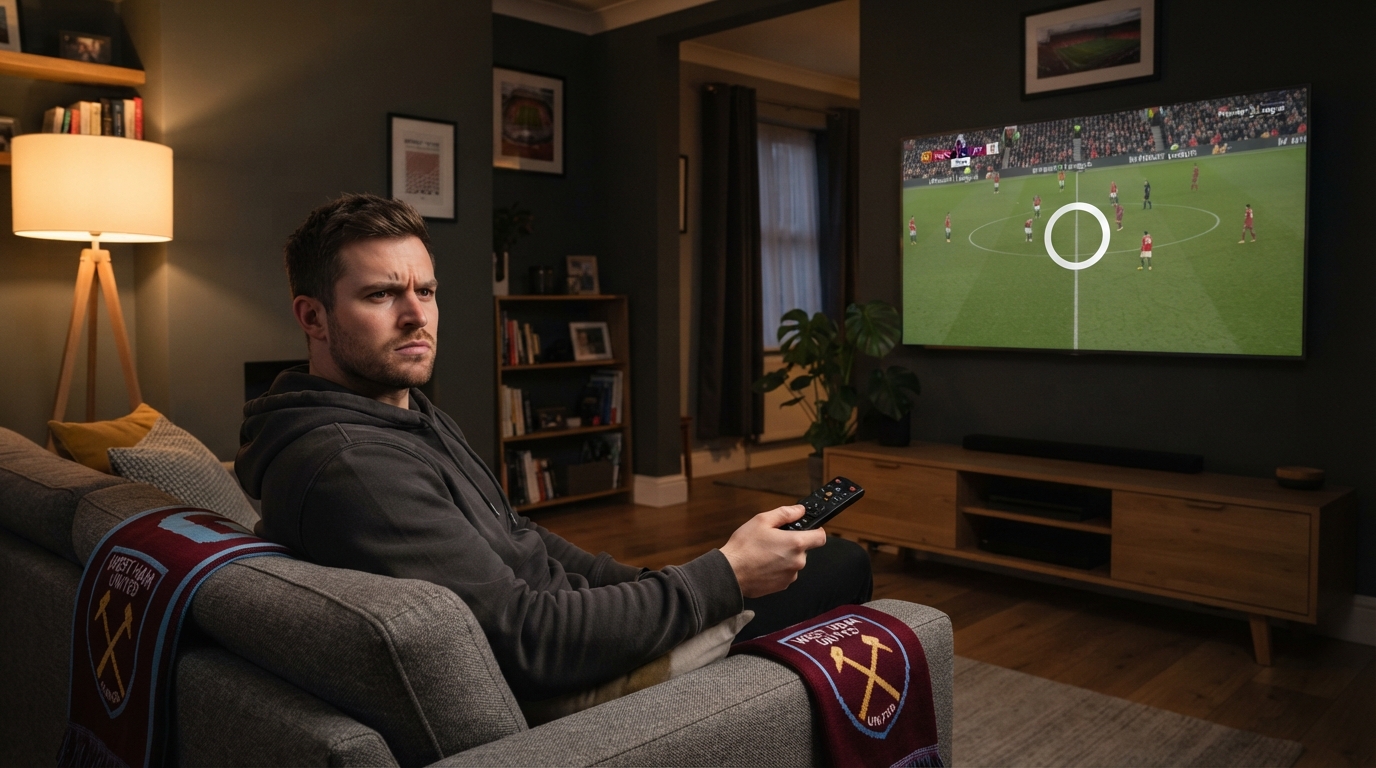
You have settled in your snacks are ready. The kickoff is just seconds away. And then something bad happens. The picture on your screen starts to stutter and freezes on a player who’s in the middle of running. Then you see the spinning wheel, which’s really annoying. By the time the stream starts working you have already missed the first goal. If this has happened to you before you are not the one. A lot of people in the UK who watch Premier League matches on streams have this problem.
The bad part is that most people think the problem is, with their internet connection or the app they are using to watch the match.. The truth is that it is not that simple. If you understand what is really going on you can save yourself a lot of time and trouble. This guide will tell you why Premier League streams on IPTV buffer and freeze in the UK in 2026 and what really works to fix the problem versus what only works for a little while.
It’s Not Always Your Internet Connection
The first instinct when a stream freezes is to blame your Wi-Fi or your broadband plan. Sometimes that’s fair — but for UK viewers specifically, there’s a much bigger structural factor at play that has nothing to do with your router, your speed test results, or how many devices are connected to your home network.
That factor is court-ordered blocking of IP addresses used to distribute unauthorised Premier League broadcasts.
UK courts have granted the Premier League what are known as dynamic blocking orders. These require internet service providers to block specific IP addresses linked to unauthorised streaming sources — and critically, this blocking is updated during the match itself, not just once at the start of a season or even once a week. That means a stream that worked perfectly last Saturday can suddenly stall or drop entirely this Saturday, purely because the underlying server address being used to deliver that stream has since been added to a live block list.
This is an ISP-level block enforced at a network level. It has nothing to do with your device, your Wi-Fi signal strength, or your subscription package. No amount of restarting your router, moving closer to your access point, or clearing your app cache will fix a stream that’s being actively blocked at the network level. Understanding this distinction is the single most important thing UK viewers can take away from this article — because it changes where you should be looking for a fix.
The Main Causes of Matchday Buffering
Buffering rarely has just one cause. Here are the five most common contributors, roughly in order of how often they show up during Premier League matchdays specifically.
1. ISP-level blocking orders (UK-specific)
As explained above, this is the factor most unique to the UK market. If a provider is retransmitting Premier League content without holding the proper broadcast rights, the servers or IP addresses used to deliver that stream can end up on a block list mid-match. The result is sudden freezing, pixelation, or a complete drop-out — often at the worst possible moment, like during a goal or a controversial VAR review.
What makes this especially frustrating for viewers is the unpredictability. A stream might run smoothly for the first half and then degrade sharply in the second half once a particular IP address gets flagged and blocked.
2. Server overload on the provider’s end
Matchday traffic is not evenly distributed throughout the week — it spikes dramatically in short windows, particularly around the traditional Saturday 3pm kickoff and marquee weekend fixtures involving the biggest clubs. If a streaming provider hasn’t invested in sufficient server capacity or a properly distributed content delivery network (CDN), the origin servers simply can’t keep up when thousands of viewers hit play within the same few minutes.
This is similar to what happens when a hugely popular website crashes during a major sale or news event — too many requests, not enough backend capacity, and everyone’s experience suffers at once.
3. Insufficient home broadband speed
While its not always the reason, the speed of your own internet connection does make a difference. For 1080p streaming most advice says you need a connection that is at least 25 Mbps all the time and 35 Mbps or more is better for smoother 4K playback. The important part is consistent. A plan that says it has speeds can still be bad if many devices are using the same internet at the same time or if the Wi-Fi signal is weak because of walls being far from the router or other electronics causing problems.
It makes sense to do a speed test during the match not earlier in the day because the speed you get when the game is happening can be very different from a test you do, at 10am when the house is quiet.
4. Device limitations
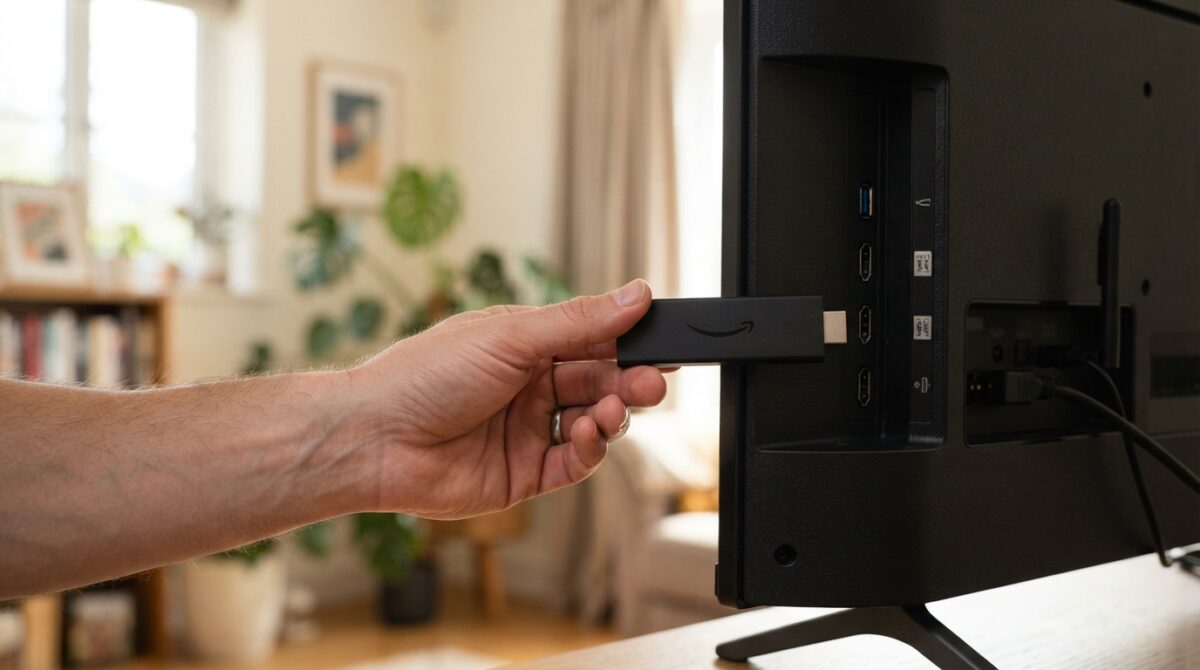
Not all streaming hardware is created equal. Older streaming boxes and first- or second-generation Fire TV Sticks often struggle to decode modern video compression formats like HEVC (H.265) smoothly, particularly at 1080p or 4K resolutions. This can produce stutter and buffering even when your internet connection itself is perfectly stable — the bottleneck is the device’s processing power, not the network.
If you’re still using a streaming device that’s four or five years old, this is worth ruling out before assuming the problem lies elsewhere.
5. VPN or DNS conflicts
Some viewers turn to VPNs specifically to try to work around blocking measures. While a VPN can occasionally help with unrelated geo-restriction issues, it introduces its own layer of latency and can actually make buffering worse, not better — particularly if the VPN server itself is under heavy load or physically distant from your actual location. DNS misconfigurations can cause similar issues, adding extra steps and delay to how your device resolves and connects to a streaming source.
What Actually Helps
Once you understand the likely cause, the fixes become much clearer. Here’s what genuinely makes a difference, roughly in order of how much impact each one tends to have.
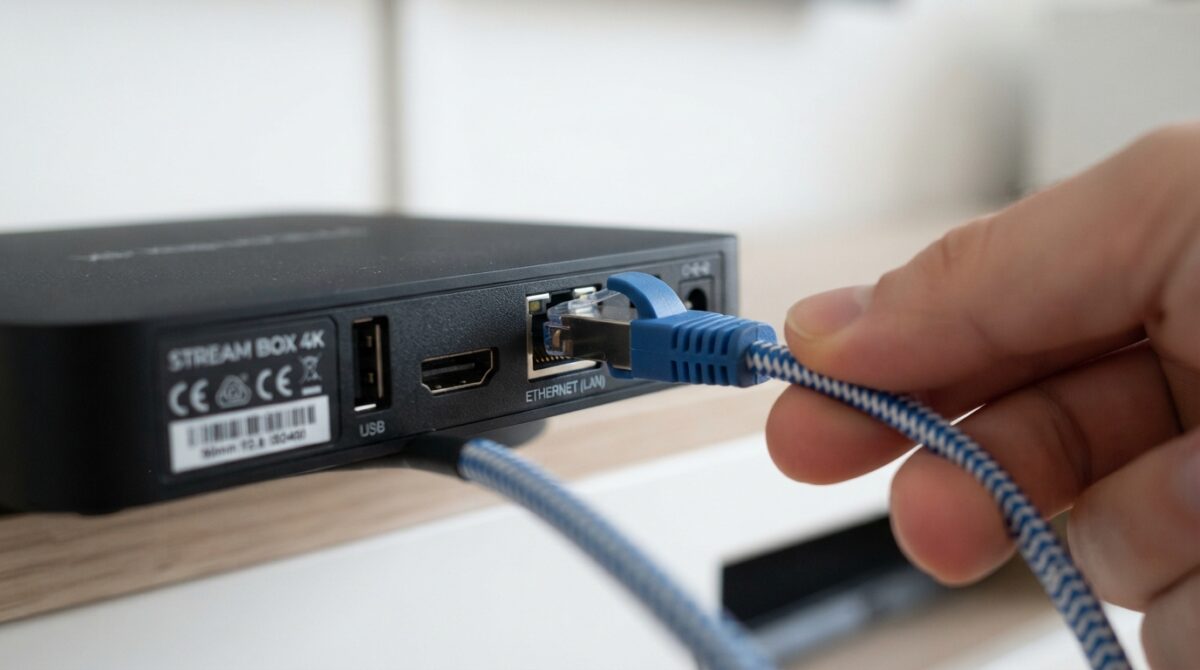
Use a wired ethernet connection instead of Wi-Fi where possible. This single change removes a huge amount of variability, especially during peak-traffic moments in your own household when other devices might be competing for wireless bandwidth.
Test your actual speed during the match, not earlier in the day. Matchday congestion on your own home network — other people streaming, gaming, or downloading at the same time — can be the real bottleneck, even if your plan looks fine on paper.
Upgrade older streaming hardware. If your device is several years old, a modern streaming stick or box with proper HEVC decoding support handles high-resolution matchday streams far more reliably than older hardware.
Choose a properly licensed streaming route. This is the fix that addresses the actual root cause rather than working around symptoms. Services and broadcasters holding valid UK broadcasting rights and Ofcom authorisation are not subject to the dynamic blocking orders described earlier, simply because they are not the target of that enforcement. Everything else on this list can reduce buffering at the margins — this is the one change that removes the core structural risk entirely.
Restart your router and streaming device before kickoff, not during. A fresh connection handles a sudden traffic spike far better than one that’s been idle for hours or has accumulated background processes.
Close unnecessary background apps and devices. Anything else pulling bandwidth in your household — a phone backing up photos, another TV streaming in a different room — competes directly with your matchday stream for the same finite connection.
Why This Problem Has Gotten Worse, Not Better
If it feels like buffering issues have become more common in recent seasons rather than less, that’s not just a perception — it reflects a genuine shift in enforcement. UK courts have continued to side with the Premier League on blocking orders, and the technology behind them has become more precise and more frequently updated throughout live matches, rather than applied as a single static block list.
This means the gap between an unauthorised stream running smoothly and it hitting a block has narrowed considerably. What might once have been a stream that survived an entire 90 minutes before facing any disruption can now be interrupted mid-half as enforcement systems update in near real time.
For UK viewers, this trend is likely to continue rather than reverse. As blocking becomes more sophisticated, streams relying on unauthorised distribution become a progressively less reliable way to watch football consistently, regardless of how good your home internet setup is.
Frequently Asked Questions
Is buffering during Premier League matches always caused by blocking orders? No — server overload, home broadband speed, and device limitations all play a role too. But for UK viewers specifically, blocking orders are a factor that’s easy to overlook because the symptoms look identical to a normal connectivity problem.
Will a VPN fix matchday buffering? Not reliably, and it can sometimes make things worse due to added latency. A VPN doesn’t address server overload or device limitations, and it introduces its own potential points of failure.
How much internet speed do I actually need? For stable 1080p streaming, aim for a consistent 25 Mbps or higher. For 4K, 35 Mbps or more is generally recommended, tested during the actual time you plan to watch.
Does a wired connection really make that much difference? Yes, particularly in busy households. Wi-Fi is shared and subject to interference; ethernet gives your streaming device a dedicated, stable connection that isn’t competing with other devices in the same way.
Is there a permanent fix, or will this keep happening every season? The most durable solution is watching through a properly licensed, rights-holding service, since this is the only option not affected by the enforcement measures driving the blocking in the first place. Everything else — hardware, connection speed, router placement — helps at the margins but doesn’t remove the underlying risk.
Final Thoughts
Matchday buffering is rarely down to a single cause, but for UK viewers, the most overlooked factor is also the most structural: court-ordered, dynamically updated IP blocking tied to Premier League broadcast rights enforcement. Improving your hardware, your connection, and your home network setup all help — but they don’t address a block that’s happening at the ISP level.
For anyone tired of guessing whether tonight’s match will actually stay online for the full 90 minutes, the most reliable long-term answer isn’t a faster router or a different VPN — it’s making sure whatever service you’re using actually holds the rights to distribute the content you’re watching.
This article is for informational purposes only and does not constitute legal advice. Streaming regulations in the UK are enforced by Ofcom and the Premier League; viewers should ensure any service they use holds appropriate broadcasting rights.