Choosing how to actually watch IPTV matters just as much as choosing the subscription itself. The same content can look and feel completely different depending on whether it’s running through a Fire TV Stick, a dedicated Android box, or your smart TV’s built-in apps. Each option has genuine strengths and real limitations, and the right choice depends more on your specific setup than any single “best” answer. This guide breaks down how each performs for IPTV specifically, so you can match the hardware to your household rather than guessing.
Why the Device Matters as Much as the Provider
IPTV performance depends on three things working together: your internet connection, your provider’s content and infrastructure, and the device decoding and displaying the stream. Even a perfectly licensed, well-run provider on a fast connection can deliver a disappointing experience if the hardware struggling to decode the video is underpowered or outdated. Understanding what each device category does well — and where it tends to fall short — helps avoid blaming the wrong part of the chain when something doesn’t look right.
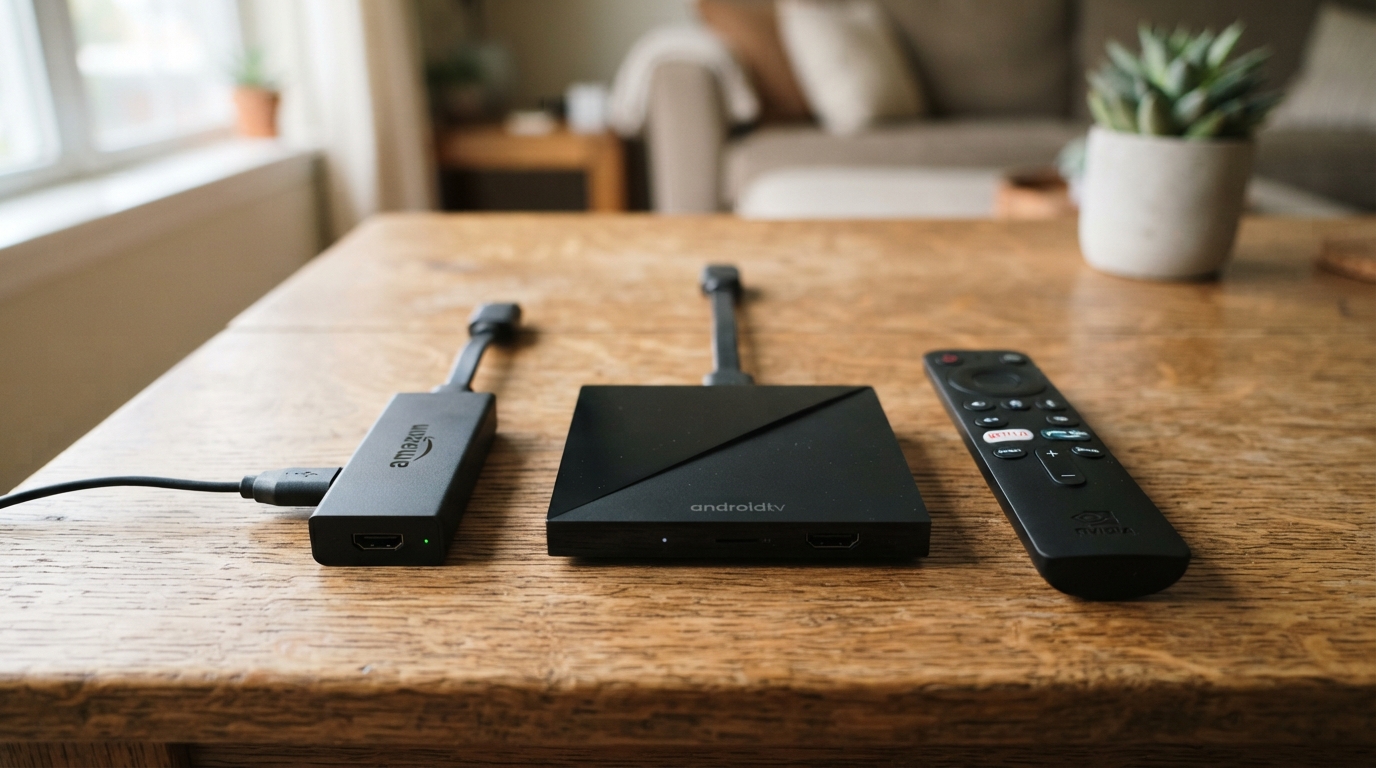
Fire TV Stick
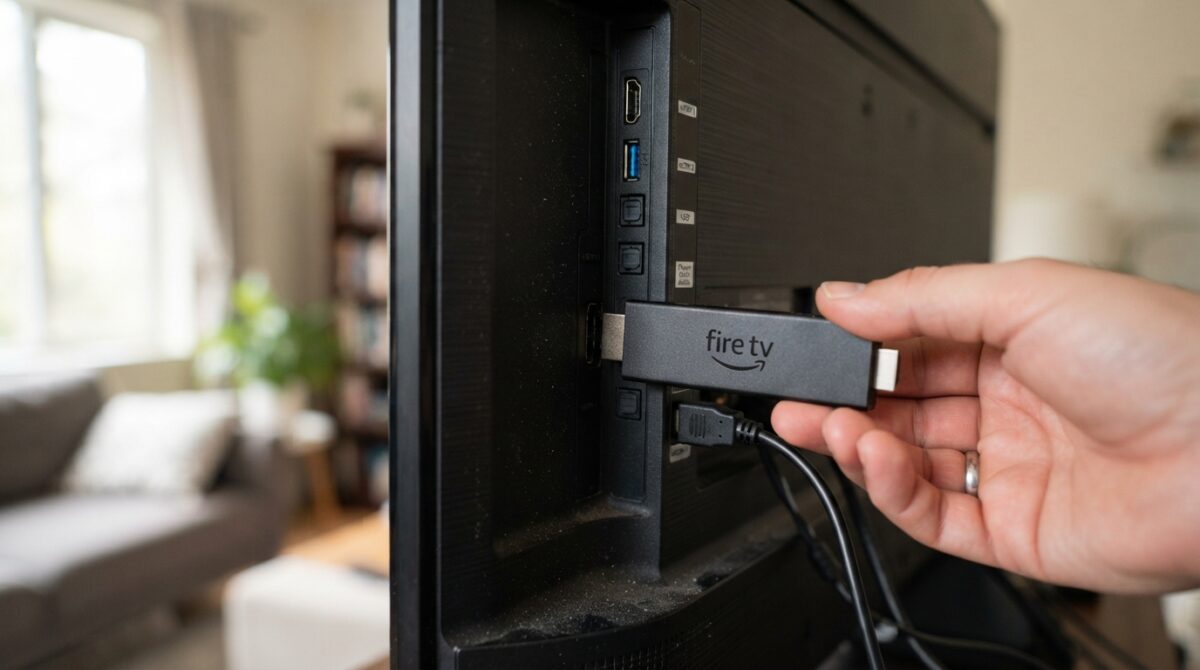
Amazon’s Fire TV Stick has become one of the most popular entry points into IPTV, largely thanks to its low cost, simple setup, and broad compatibility with most major IPTV apps.
Strengths: The Fire TV Stick 4K Max, in particular, handles modern video compression formats including HEVC (H.265) smoothly, which matters directly for efficient 4K playback. It’s genuinely plug-and-play — connect it to an HDMI port, run through a short setup process, and most popular IPTV apps are readily available or easily sideloaded. Its compact size and low price point make it an easy way to add IPTV capability to an older, non-smart TV.
Limitations: Amazon’s own app store restricts some IPTV-related apps, meaning sideloading (installing an app outside the official store) is often necessary — a process that’s straightforward but adds an extra step compared to devices with fewer restrictions. Older or budget Fire Stick models (particularly older Fire TV Stick Lite or first-generation devices) have noticeably less processing power, which can show up as stutter on demanding 4K content even with a strong internet connection.
Best for: Households wanting a low-cost, reliable option to add IPTV capability to any existing TV, particularly where simplicity and broad app compatibility matter more than maximum processing power.
Android TV Boxes
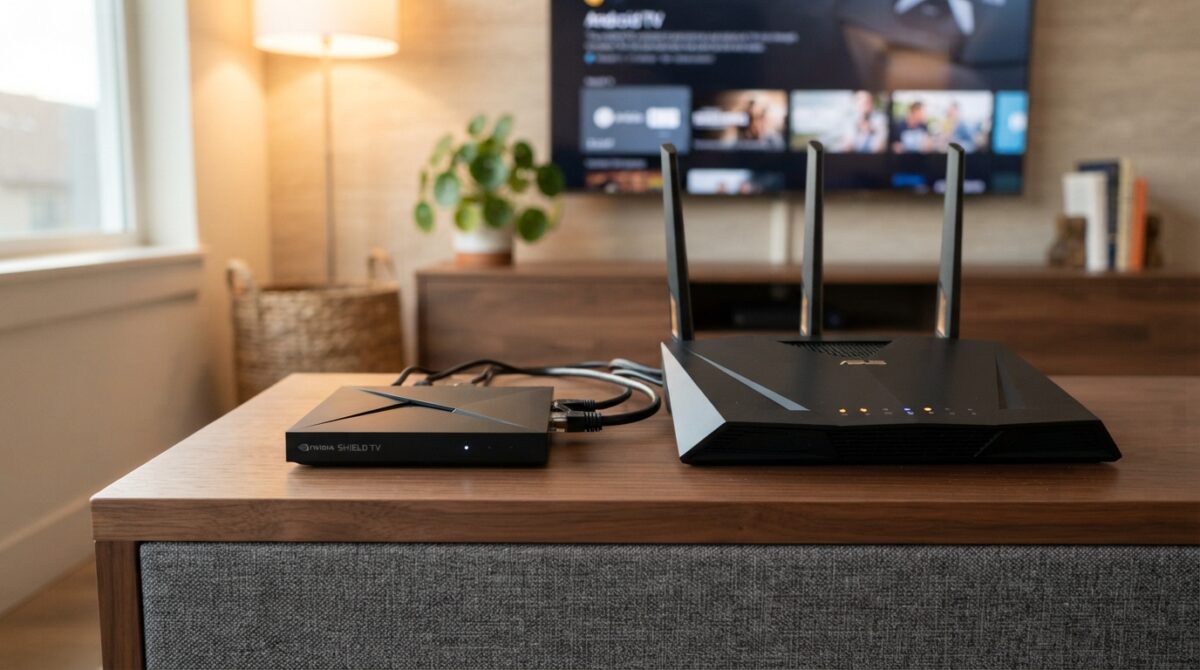
Dedicated Android boxes — running full Android TV or a similar Android-based operating system — are popular among more experienced IPTV users specifically because of the flexibility they offer.
Strengths: Android boxes generally offer more processing power and RAM than a comparably priced Fire Stick, translating into smoother performance with demanding 4K content and multiple apps running or cached simultaneously. They typically allow much more open app installation without the restrictions Amazon places on its own ecosystem, making it easier to install a wider range of IPTV apps directly without workarounds. Many models include an ethernet port built in, letting you use a wired connection directly without needing a separate adapter — a meaningful advantage for streaming stability discussed elsewhere in IPTV troubleshooting guides.
Limitations: Quality varies enormously between manufacturers, and the market includes plenty of poorly supported, cheaply made boxes with inconsistent software updates or weak long-term reliability. Setup is generally slightly more involved than a Fire Stick, and less experienced users may find the broader flexibility comes with a steeper initial learning curve.
Best for: Users comfortable with slightly more setup complexity in exchange for stronger processing power, more open app flexibility, and often a built-in ethernet option — particularly useful for larger households running demanding 4K content regularly.
Smart TV Built-In Apps
Most modern televisions come with a built-in smart platform — Samsung’s Tizen, LG’s webOS, Android TV built directly into the television, or similar — capable of running apps without any additional streaming device at all.
Strengths: Nothing extra to buy or plug in, and one less remote control or device to manage. Modern smart TVs, particularly those released in the last two to three years, often include solid processing power dedicated to their own platform, since manufacturers optimise the software specifically for their own hardware.
Limitations: App availability is the biggest constraint here — many IPTV apps aren’t available through official smart TV app stores at all, and sideloading options are far more limited or entirely unavailable compared to a Fire Stick or Android box, depending on the TV’s operating system. Older smart TVs, even ones only three or four years old, often have noticeably weaker processors than current dedicated streaming devices, since TV manufacturers frequently prioritise picture hardware over onboard processing power. Software updates for smart TV platforms are also typically less frequent than for dedicated streaming devices, meaning compatibility with newer app versions can lag behind over time.
Best for: Users wanting the simplest possible setup with no additional hardware, provided their specific TV brand and app store actually supports their chosen IPTV app without needing workarounds.
Side-by-Side Comparison
| Factor | Fire TV Stick | Android Box | Smart TV Apps |
|---|---|---|---|
| Setup simplicity | Very easy | Moderate | Very easy (if app is supported) |
| App availability | Good, some sideloading needed | Excellent, most open | Limited, varies heavily by brand |
| Processing power (mid-range) | Good | Very good | Variable, often weaker |
| Wired ethernet option | Requires adapter | Often built in | Often built in |
| Cost | Low | Low to moderate | No extra cost (already own TV) |
| Best for | Simplicity and low cost | Flexibility and power | No extra hardware wanted |
What Actually Matters Most for IPTV Specifically
HEVC decoding support is worth checking regardless of which category you choose, since this directly affects how smoothly 4K content plays. Most devices released in the last three to four years handle this well, but older or budget hardware can genuinely struggle.
RAM and processing power matter more for IPTV than for simpler streaming apps like Netflix, since IPTV apps often handle live EPG data, multiple channel previews, and continuous live streams rather than pre-processed on-demand content — all of which places more demand on the device than a typical Netflix session.
Ethernet availability is a meaningful practical factor. Devices with a built-in ethernet port, or an easy official adapter, make it far simpler to use a wired connection — one of the single most effective fixes for buffering during live sport, as covered in broader IPTV troubleshooting guidance.
Update frequency affects long-term reliability. A device that receives regular software and security updates is less likely to develop compatibility issues with newer app versions over the following couple of years compared to hardware that’s effectively abandoned by its manufacturer shortly after release.
Making the Right Choice for Your Household
If you want the simplest possible setup and are adding IPTV to a TV that doesn’t already handle it well, a Fire TV Stick 4K Max is a sensible, low-risk starting point that covers the needs of most households comfortably.
If you’re a more demanding user wanting maximum flexibility, strong processing power, and easy wired connectivity, a well-reviewed Android TV box from an established manufacturer is worth the slightly steeper setup, particularly for larger households running multiple 4K streams.
If your existing smart TV already supports your chosen IPTV app cleanly through its official app store, there’s no strong reason to add extra hardware at all — just be realistic about your TV’s age and processing power if you notice stutter on demanding content.
Whichever hardware you choose, pairing it with a properly licensed IPTV subscription removes the enforcement-related buffering issues that no amount of good hardware can fix on its own — device choice solves the technical half of the equation, while provider choice solves the other half.
Frequently Asked Questions
Does a Fire TV Stick support all IPTV apps? Not all — some popular IPTV apps aren’t available through Amazon’s official app store and require sideloading, which is a straightforward but slightly extra step compared to apps available directly.
Are Android boxes better than Fire Sticks for IPTV? Generally offering more processing power and flexibility, yes, but they come with a steeper setup learning curve and more variable build quality across manufacturers, so a well-reviewed model matters more than with a standardised product like the Fire Stick.
Can I just use my smart TV’s built-in apps for IPTV? Sometimes, depending on your TV brand and whether your chosen IPTV app is available through its official app store — but app availability and processing power vary significantly by manufacturer and TV age.
Do I need a 4K device if I’m not streaming in 4K yet? Not strictly, but 4K-capable hardware generally includes stronger overall processing power that also benefits standard HD playback smoothness, making it a reasonable investment even without immediate 4K plans.
Does the device affect whether my stream gets blocked? No — device choice affects playback smoothness and app compatibility, not content licensing status. Blocking-related buffering is tied to the content source itself, not the hardware playing it.
Final Thoughts
There’s no single correct answer between a Fire TV Stick, an Android box, and smart TV apps — each suits a different balance of simplicity, power, and flexibility. What matters most is matching the device to your household’s actual streaming habits: how demanding your content is, how many devices you’re running simultaneously, and how much setup complexity you’re comfortable with. Get the hardware right, pair it with a properly licensed subscription, and most of the technical barriers to smooth IPTV streaming disappear entirely.
This article is for informational purposes only. Device specifications and app availability change over time — always check current compatibility directly with the manufacturer or app provider before purchasing.